🎳 Classivo Bowling
Answer a flashcard, pick a number and bowl for a strike.
- 👥 2–4 teams
- ⏱️ 10–30 minutes
- 🧒 Ages 5–12
- 🖼️ Uses your flashcards
- 💸 Free
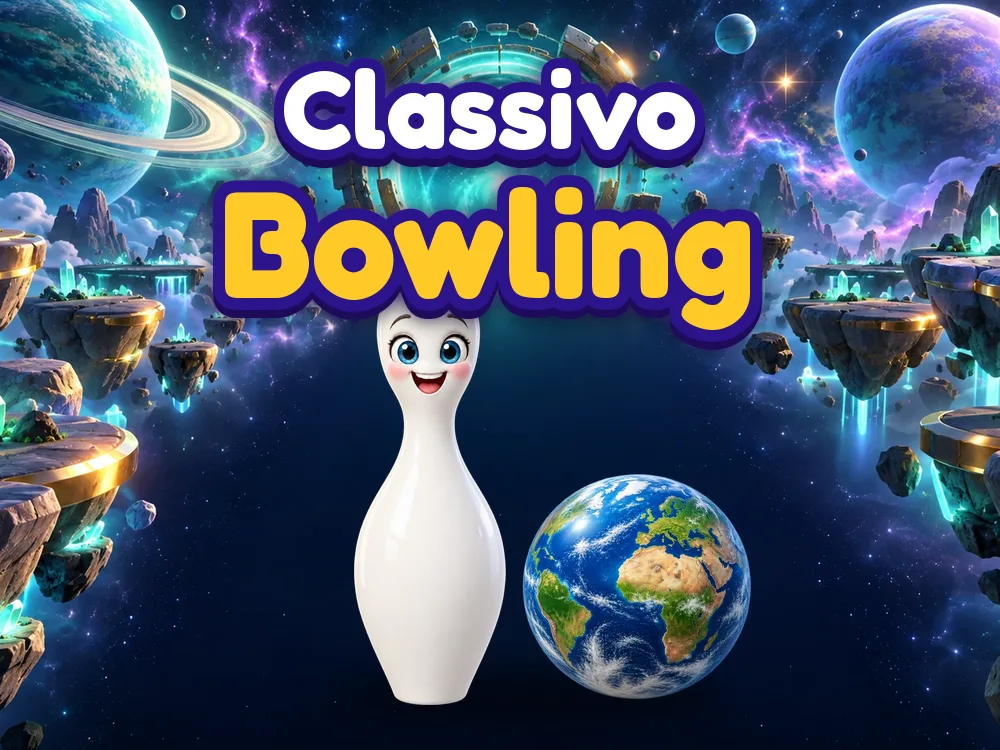
What is Classivo Bowling?
Classivo Bowling turns your lesson into a bowling match. A team opens its flashcard by clicking the ball, answers out loud, and after a correct answer chooses a number from 1 to 6 and bowls. Knock down pins to win points, and a strike is worth 15.
Pick one of five worlds (Classivo space, Spring, Summer, Fall or Winter) and a ball to match. Every team gets the same number of turns, and every roll has a little luck, so any team can still win.
How to play
- Choose a lesson in Classivo and open Classivo Bowling, or try it with the sample questions.
- Choose a world and a ball, then the number of teams and questions.
- Click the ball to open the team’s flashcard, press Check, then Okay or Oops.
- After Okay, pick a number from 1 to 6 and bowl.
- The team with the most points after the last shot wins.
Why teachers like it
Strikes and points
Each pin is a point and a strike gives 15, so every roll is exciting.
Five worlds
Space, Spring, Summer, Fall and Winter lanes, each with its own ball and music.
A little luck
Every number can give a strike, so the game stays fair for every team.
Fair turns
The game always gives every team the same number of shots.
Classroom tips
- Let the team agree on a number together before bowling: it is great speaking practice.
- Use a short game (6–8 questions) for a quick review at the end of a lesson.
- Add rounds at the end if the class wants to keep playing.
Questions teachers ask
Is Classivo Bowling free?
Yes, it is free to play with sample questions or your own Classivo lessons.
How many teams can play?
From 2 to 4 teams.
Does it use my pictures?
Yes. Pictures, questions and answers come from the lesson you choose in Classivo.
Do students need devices?
No. The teacher plays on one screen or projector while the class answers.
Play Classivo Bowling with your own lesson
Create a flashcard lesson with your pictures and questions, then play Classivo Bowling or any other Classivo game with it. It’s free.
More classroom games
🎡 Classivo Spin
Answer a flashcard, then spin the wheel for points and surprises.
⚽ Classivo Soccer
Answer the question, pick a spot and shoot a penalty.
🎃 Halloween Plinko
Answer a flashcard, drop the ball and collect points, stars and power-ups.
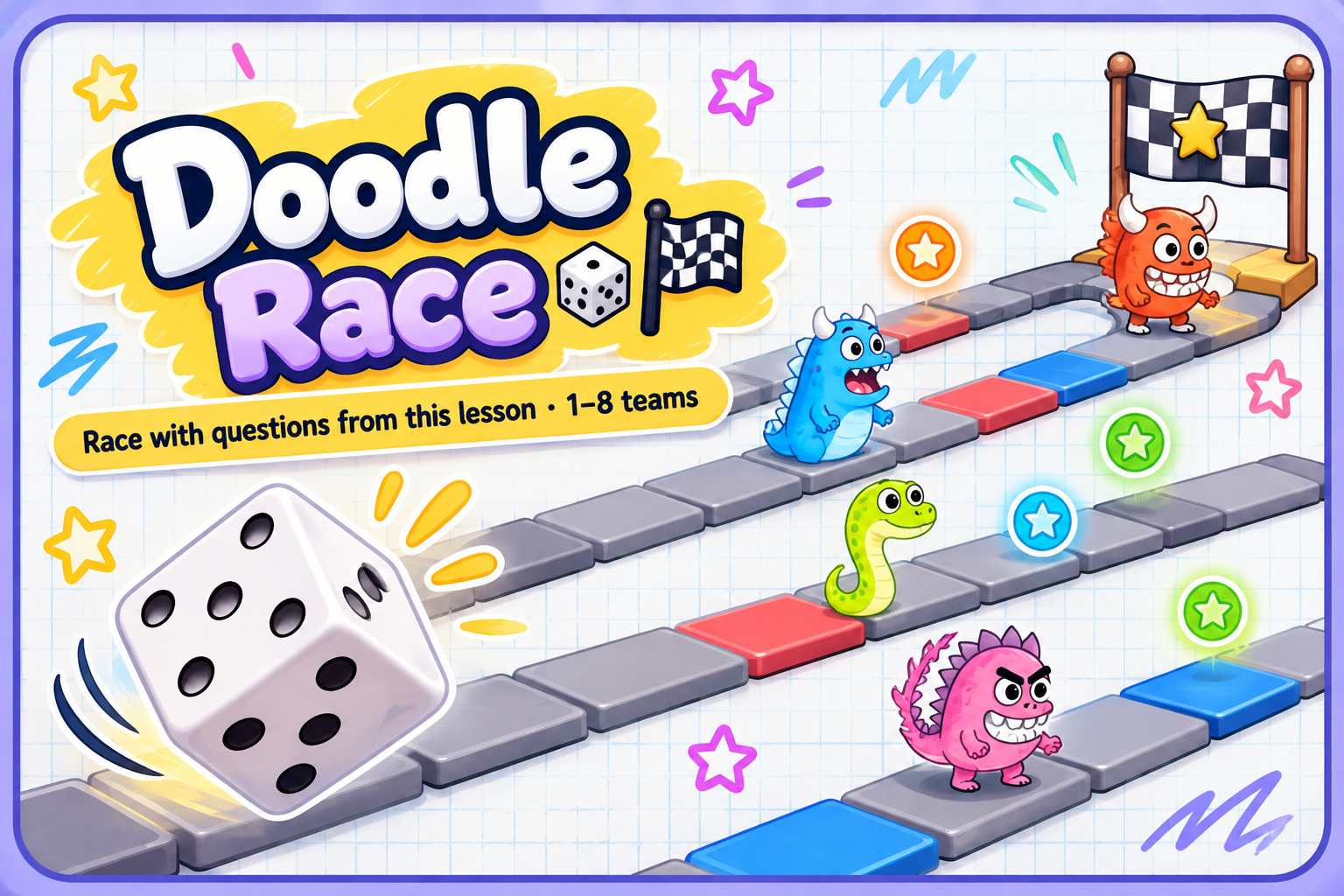
🏁 Doodle Race
Answer correctly to roll the dice and race to the finish.
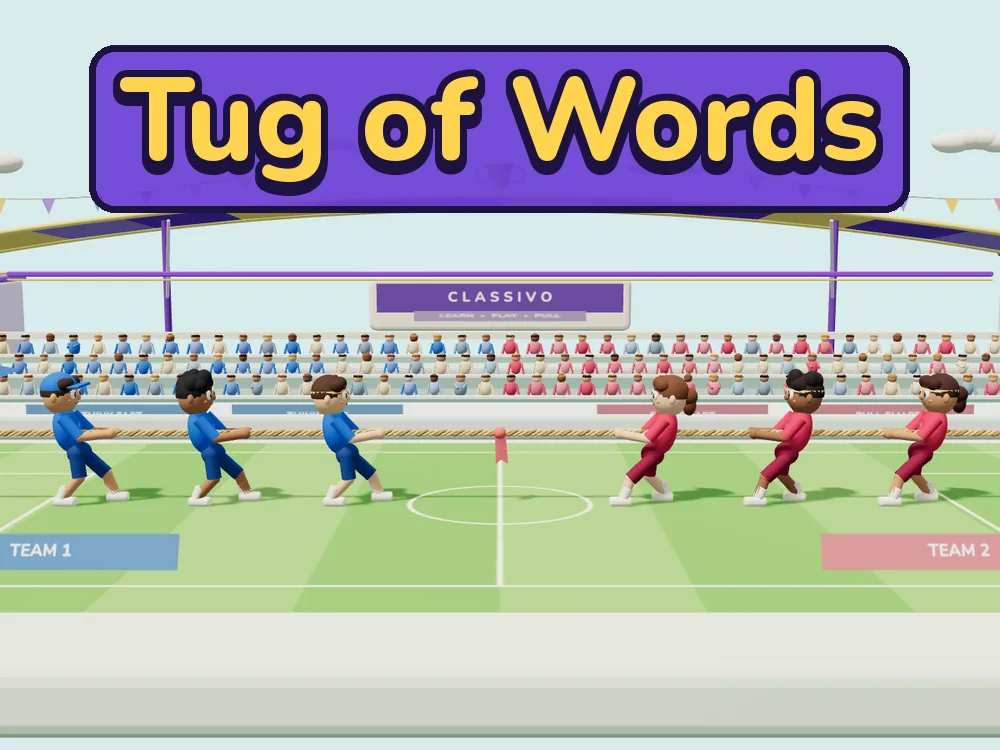
🪢 Tug of Words
Answer faster, pull harder, win the rope.
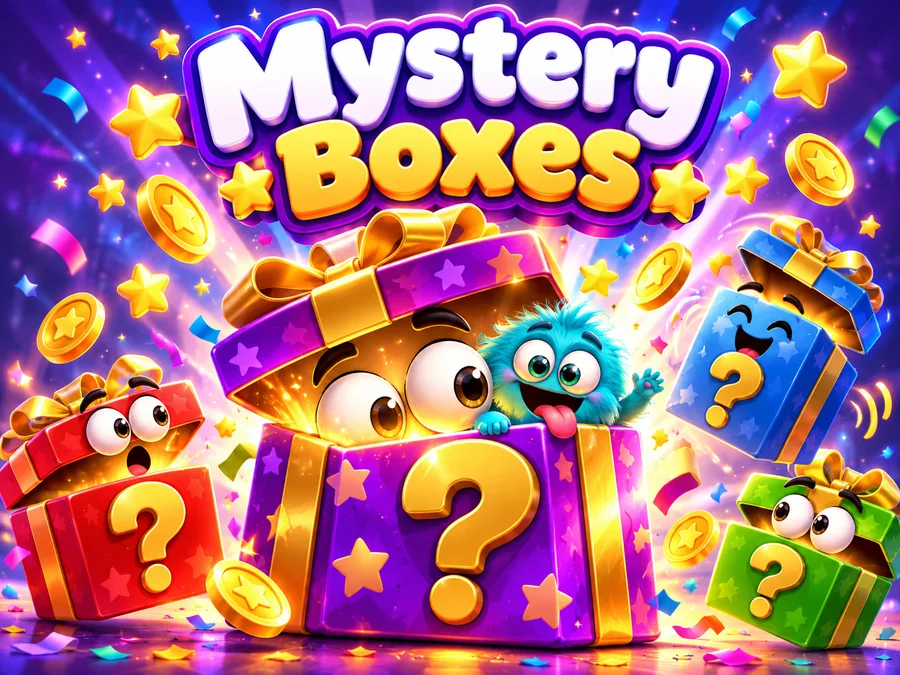
🎁 Mystery Boxes
Answer correctly, then open a mystery box for a surprise.
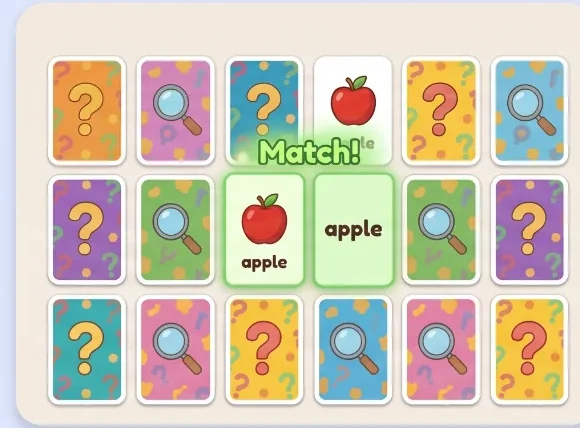
🧠 Memory Match
Flip two cards and match the picture with its word.
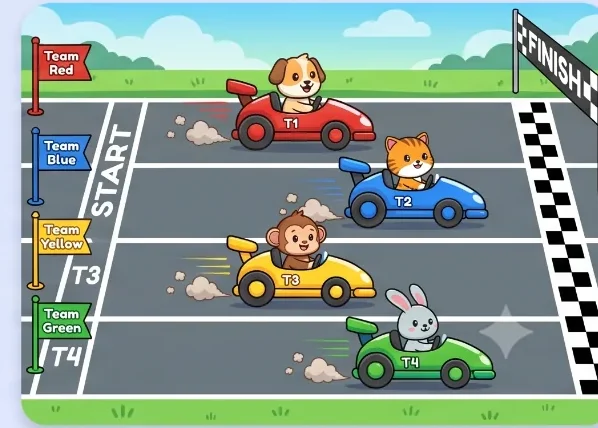
🏎️ Team Race
Every correct answer moves your car one step closer to the finish.