🧠 Memory Match
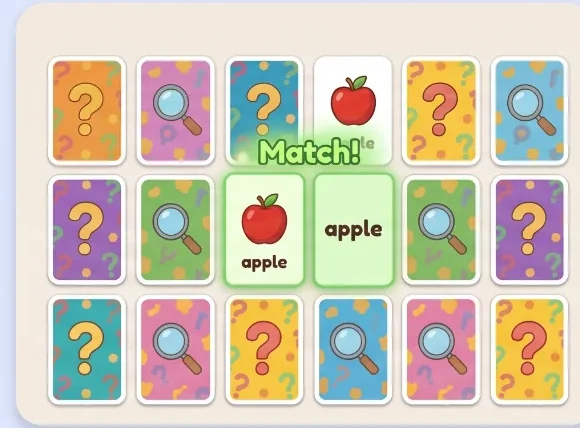
Flip two cards and match the picture with its word.
- 👥 2 or more teams
- ⏱️ 5–20 minutes
- 🧒 Ages 4–12
- 🖼️ Uses your flashcards
- 💸 Free
Sign in to Classivo, open Games, choose a lesson and pick Memory Match.
What is Memory Match?
Memory Match turns your lesson into a classic memory game. Each team flips two cards, trying to find a picture and its matching word or answer.
A match earns 2 points and stays visible; a mismatch turns back over after a short pause and the next team plays. The number of questions sets how many pairs are on the board.
How to play
- Sign in to Classivo and open Games.
- Choose a lesson, then Memory Match.
- The team flips two cards.
- A matching pair earns 2 points and stays face up.
- The turn passes to the next team. The team with the most points wins.
Why teachers like it
Visual memory
Students connect pictures with words, a powerful way to learn vocabulary.
Automatic checking
Matches are checked for you, so the game moves quickly.
Whole-class focus
Everyone watches and remembers, not only the team playing.
Any topic
Works with vocabulary, grammar pairs and question-answer cards.
Classroom tips
- Ask students to say the word aloud each time a card is turned.
- Start with fewer pairs for young learners.
- Use it as a warm-up to review last lesson’s words.
Questions teachers ask
Is Memory Match free?
Yes, it is free with a Classivo account.
How are points given?
Each correct pair earns 2 points.
Can I choose the number of pairs?
Yes. The number of questions you choose sets the number of pairs.
Play Memory Match with your own lesson
Create a flashcard lesson with your pictures and questions, then play Memory Match or any other Classivo game with it. It’s free.
More classroom games
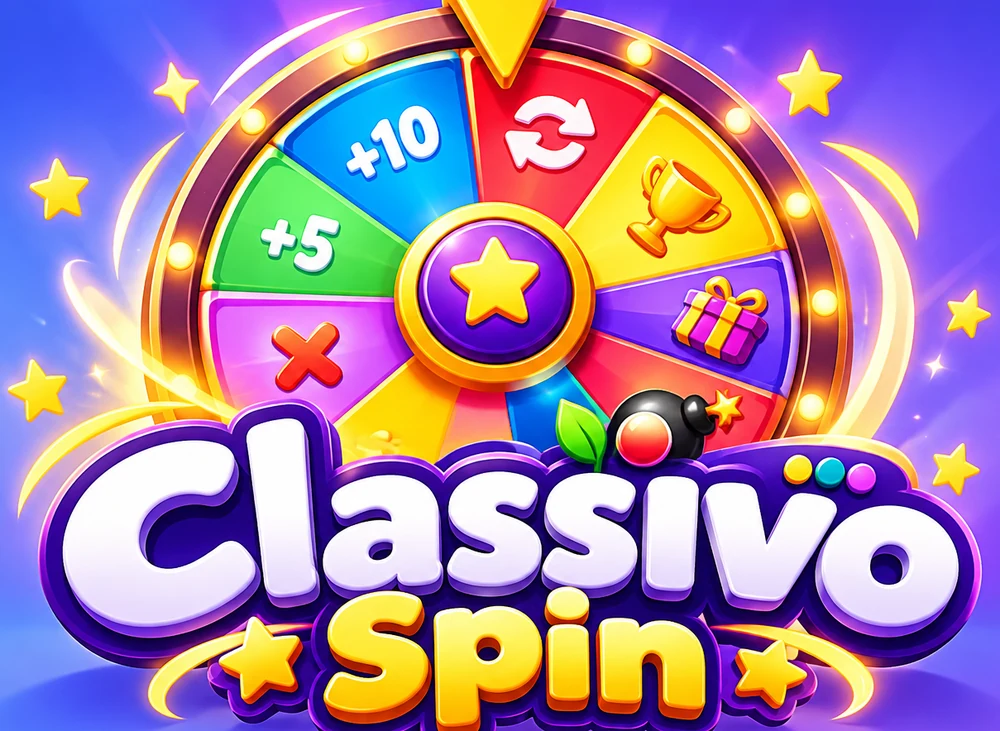
🎡 Classivo Spin
Answer a flashcard, then spin the wheel for points and surprises.
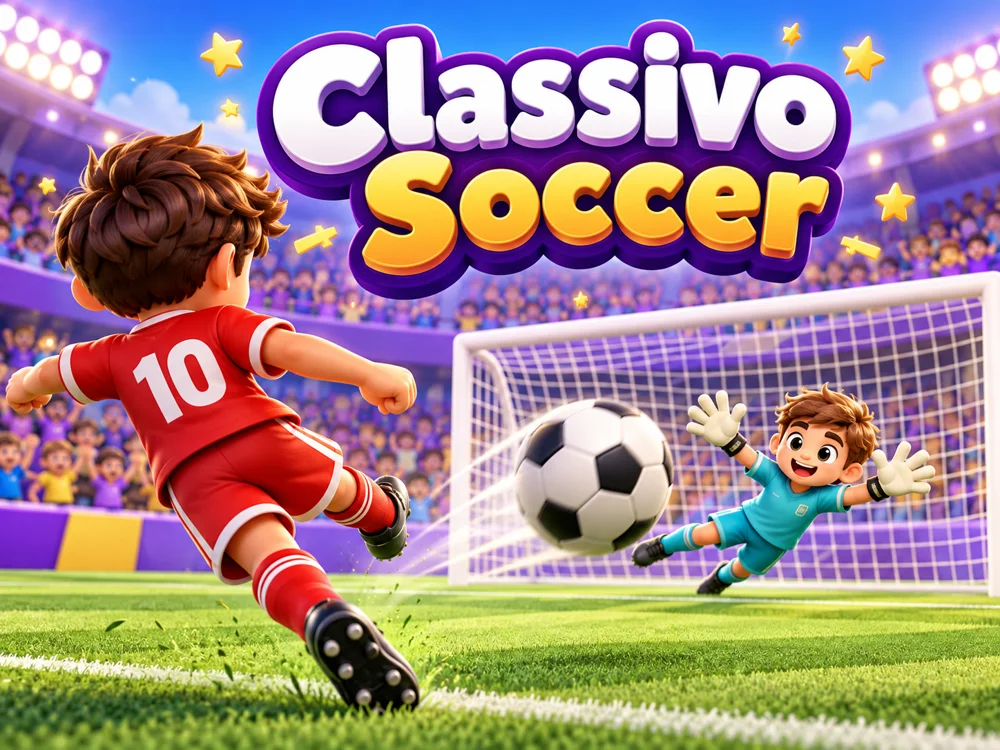
⚽ Classivo Soccer
Answer the question, pick a spot and shoot a penalty.
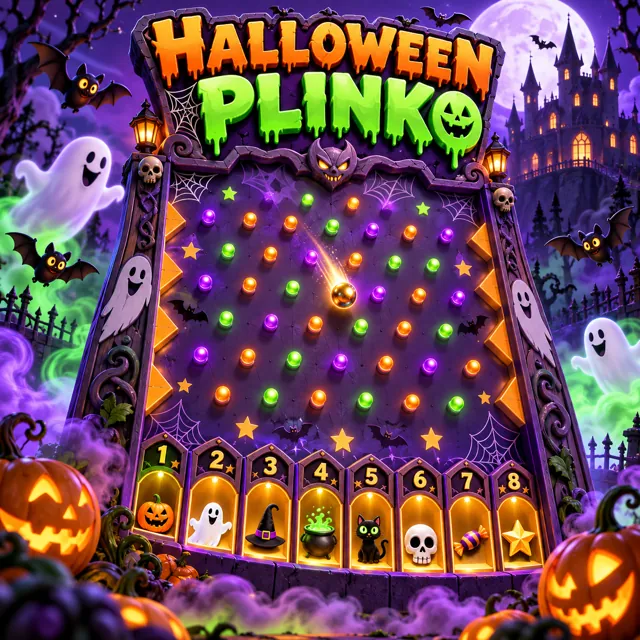
🎃 Halloween Plinko
Answer a flashcard, drop the ball and collect points, stars and power-ups.
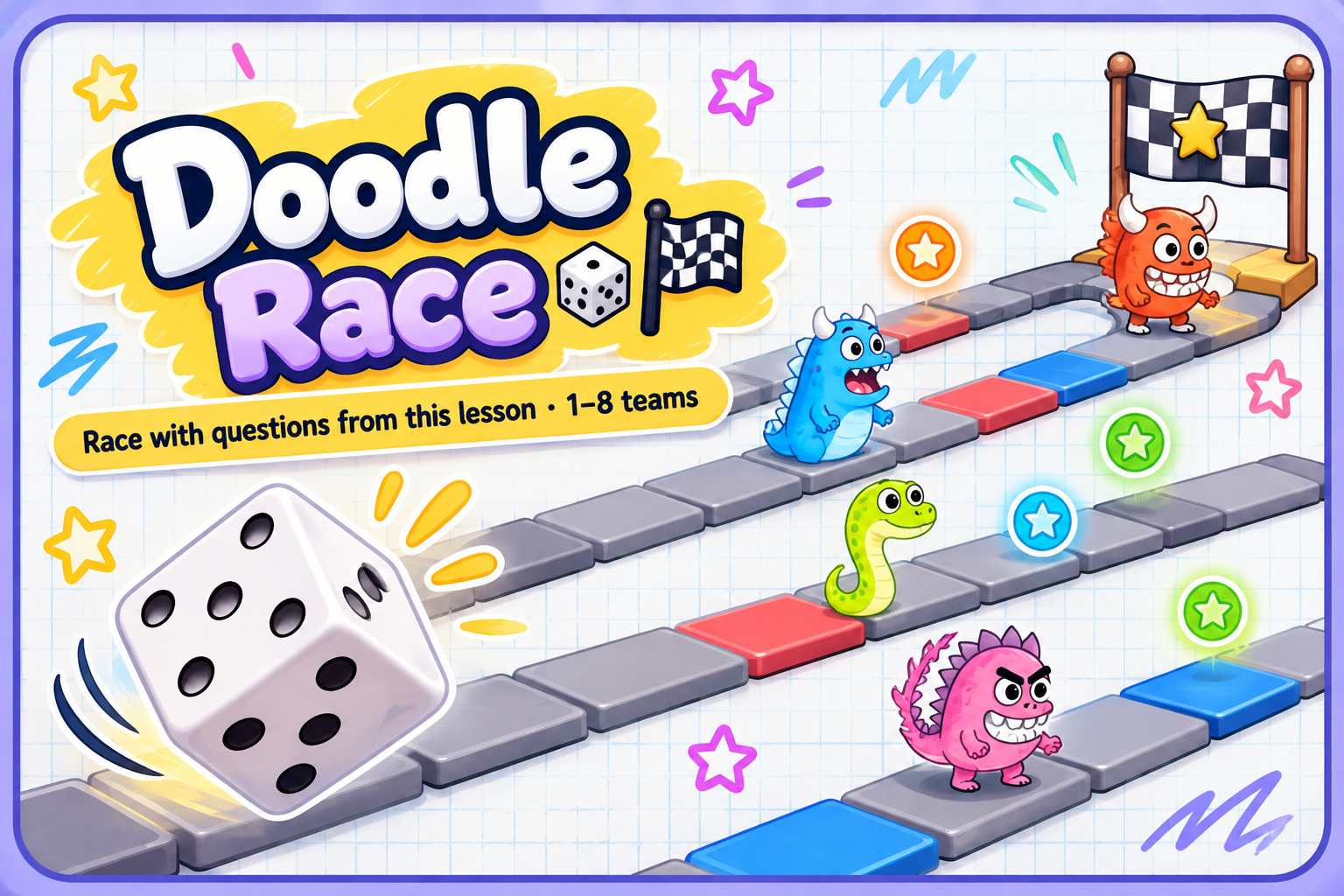
🏁 Doodle Race
Answer correctly to roll the dice and race to the finish.
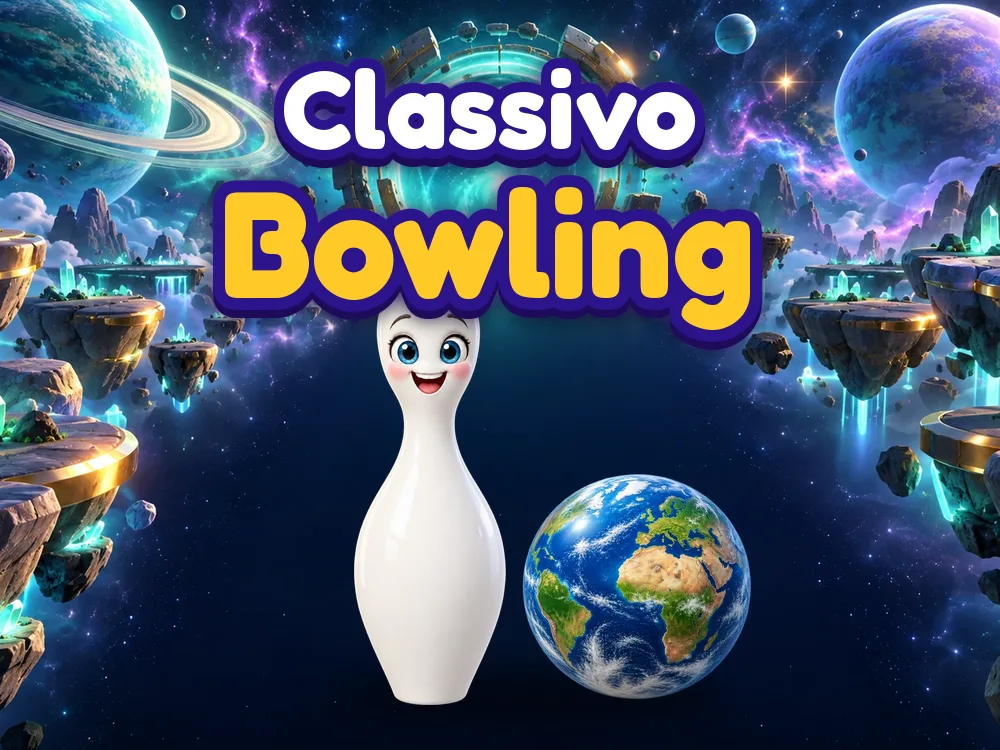
🎳 Classivo Bowling
Answer a flashcard, pick a number and bowl for a strike.
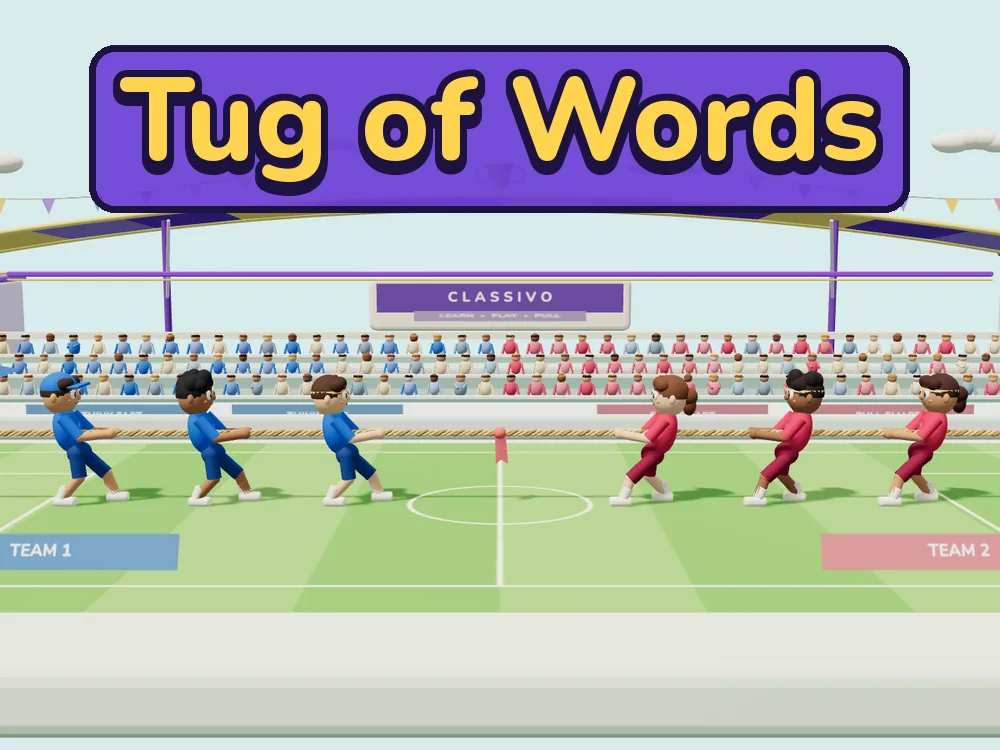
🪢 Tug of Words
Answer faster, pull harder, win the rope.
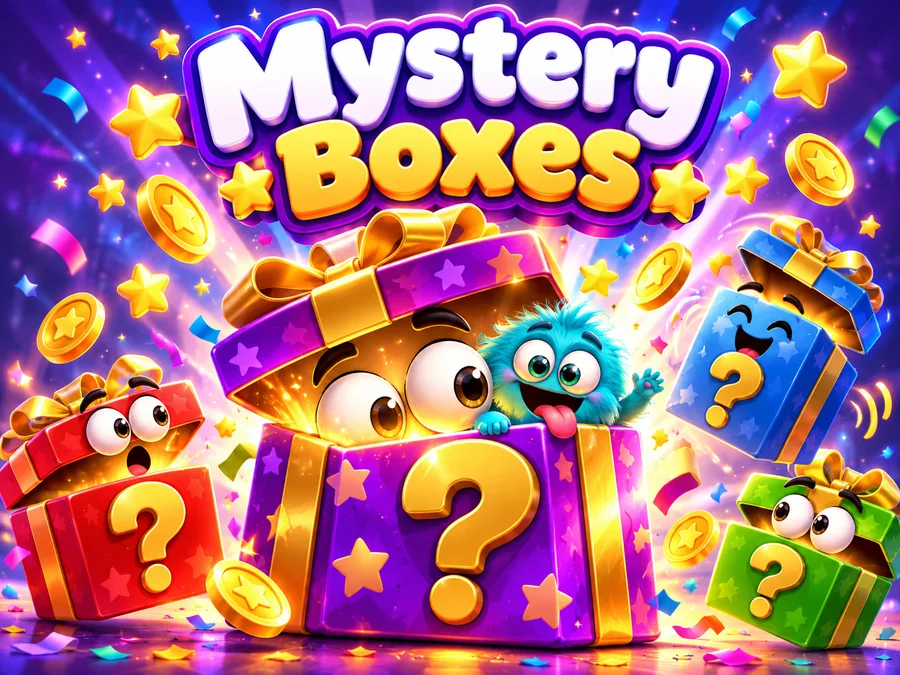
🎁 Mystery Boxes
Answer correctly, then open a mystery box for a surprise.
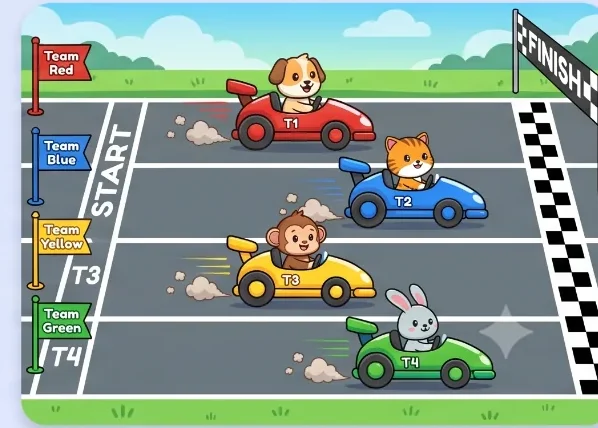
🏎️ Team Race
Every correct answer moves your car one step closer to the finish.