






A flashcard lesson needs a language goal as well as attractive pictures. If learners only name what they see, they may finish the lesson without practicing an exchange they can use. Plan the final speaking task first, then choose cards and activities that prepare students for it.
The example below uses animal abilities in a 40-minute lesson. Its timings are a starting point: shorten presentation when the words are familiar, or allow more supported practice when the language is new.
Define the final task
Choose an observable goal: “Students can ask whether an animal can do an action and give a short answer.” The final task might be a paired guessing game using “Can it fly?” and “Yes, it can.” Decide which words and structures learners already know before adding new ones.
Select a manageable picture set
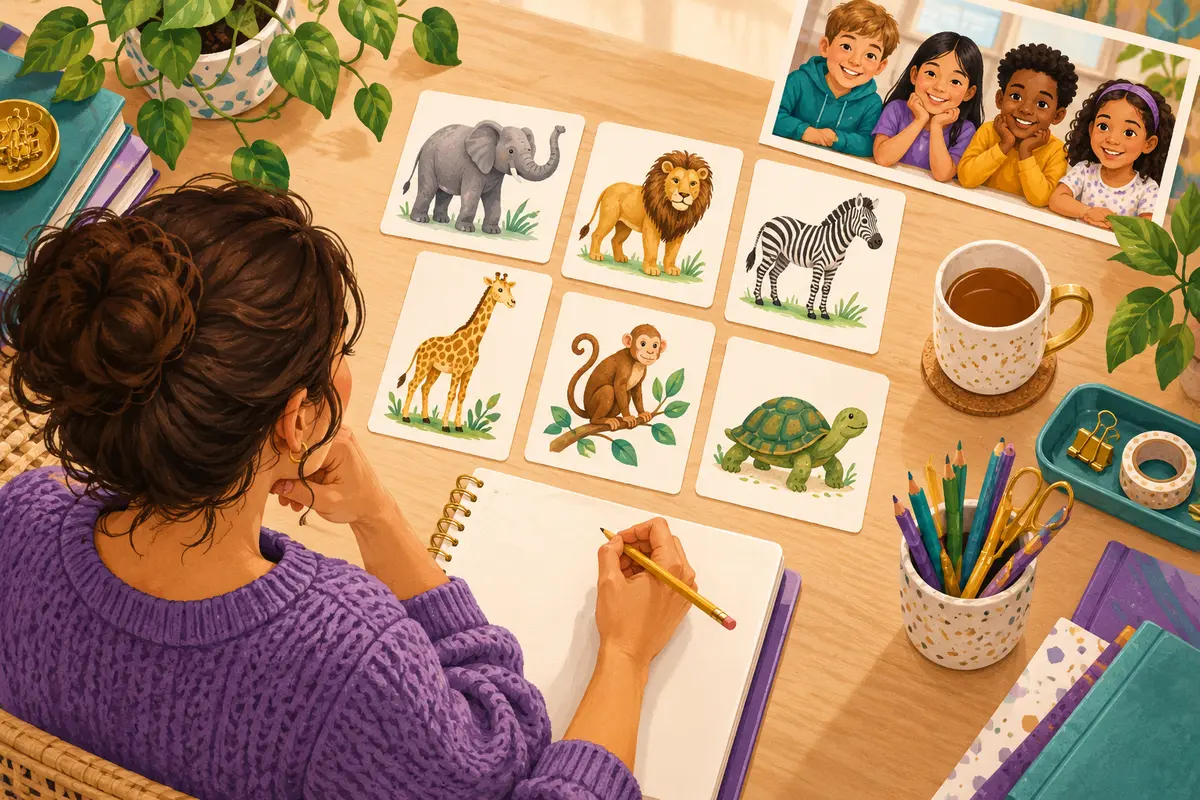
For this example, use six animals with clearly distinguishable features: bird, fish, cat, dog, elephant and monkey. Choose familiar action words that suit the goal. Check that the pictures support the questions you intend to ask; an ambiguous image can create a vocabulary problem that the learner did not cause.
Prepare clean consistent cards
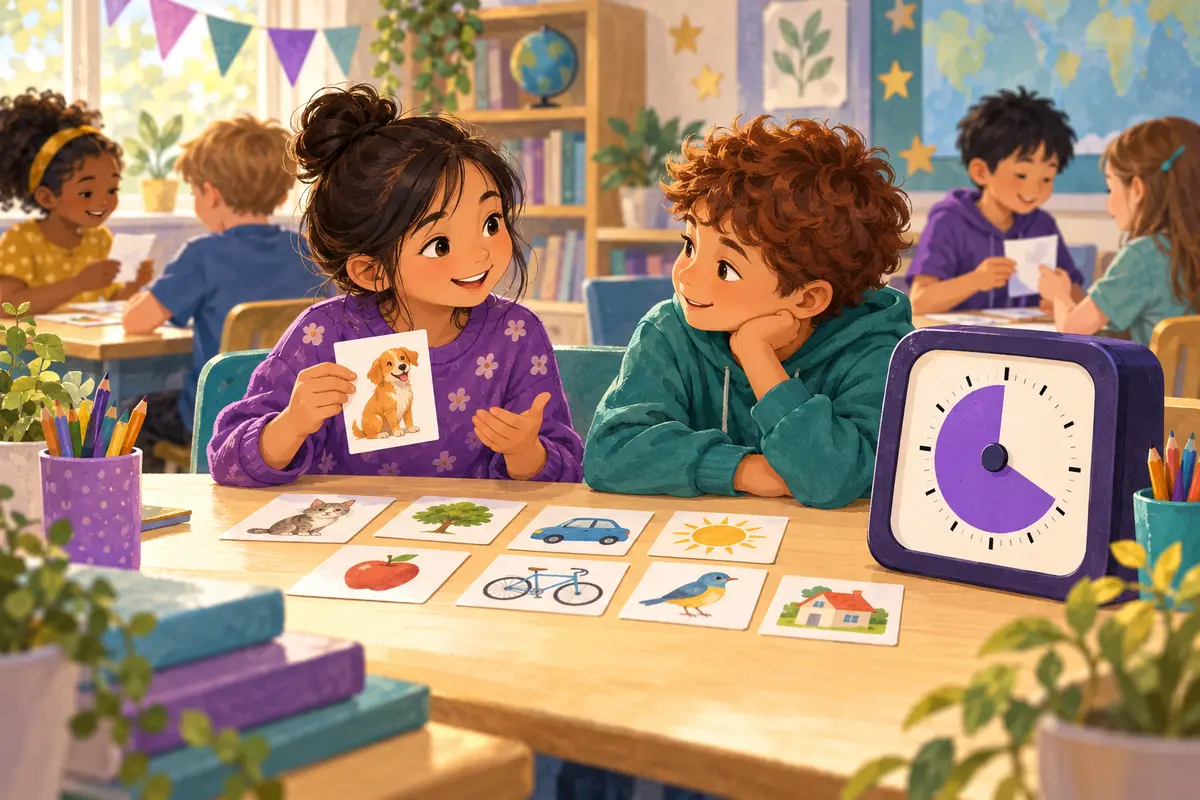
Use one clear subject per card and a background that does not compete with it. Check visibility from the back of the room or on the screen you will use. Keep a labeled teacher copy if learners need picture-only cards. Put essential language in large, readable text when displaying a sentence frame.
Use pictures you created, commissioned or have permission to use. Check the applicable license before sharing a downloaded image publicly. A classroom copy and a public website upload can have different permission requirements.
Plan questions and support together
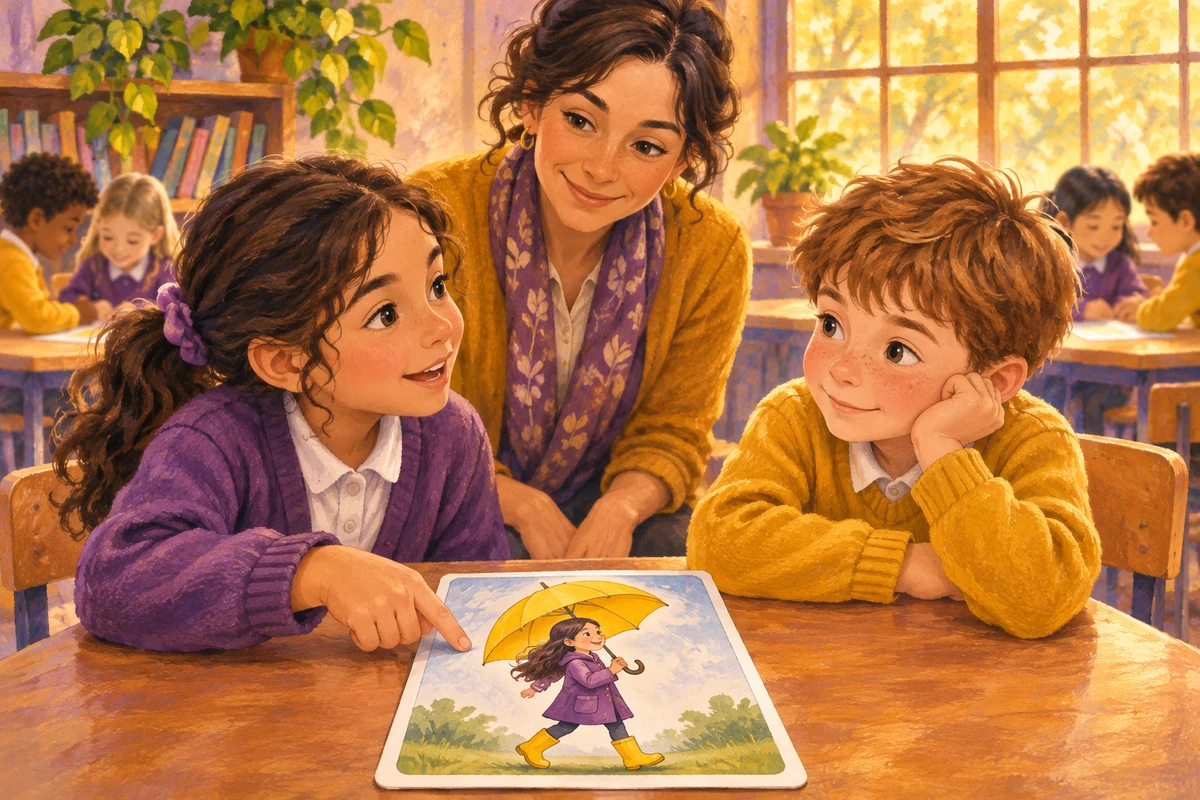
Write two model questions, the expected answers and an easier response option. For “Can it swim?” a beginner might initially point to the appropriate picture while another learner answers aloud. Prepare a sentence starter for learners who know the meaning but need help constructing the response.
A 40-minute lesson sequence
Use the first five minutes to activate familiar language. Show two known animals and ask what students remember. Listen for the words that need a brief review before introducing the new task.
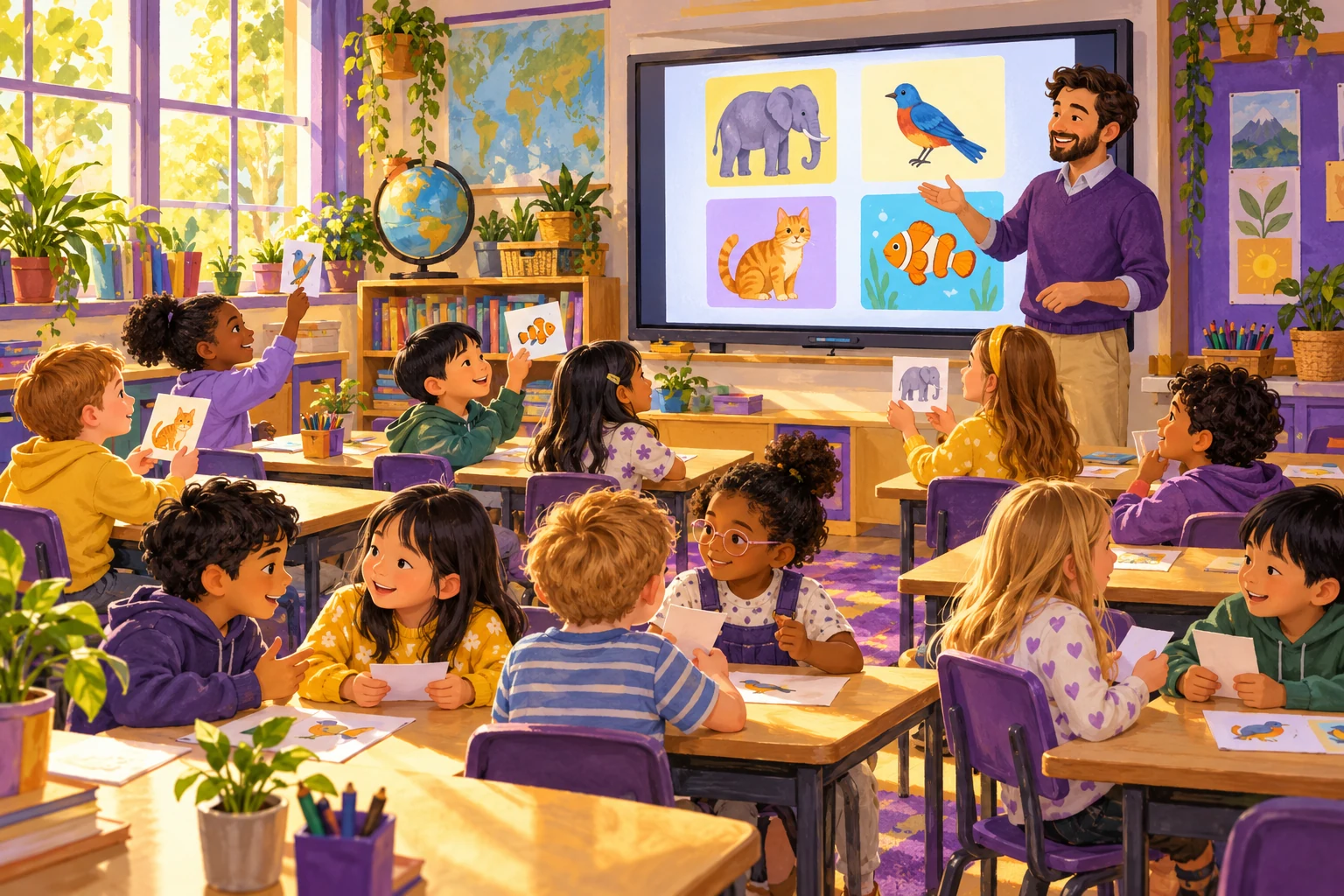
Spend about eight minutes establishing meaning and pronunciation. Present the cards, check understanding through choices and model the target exchange. Demonstrate with a student or a puppet, then check that learners know who asks and who answers.
Allow around ten minutes for guided practice. Learners match spoken clues to cards, complete short answers and rehearse in pairs. Keep the sentence frame visible. Listen to several pairs rather than relying only on whole-class repetition.
Use the next twelve minutes for the guessing task. One learner secretly chooses an animal, and the partner asks about abilities before guessing. Set a limit of three questions, then switch roles. Offer a simpler version with fewer cards and extend the task with an extra descriptive question where appropriate.
Reserve five minutes for an individual check and feedback. Show a new combination of familiar cards and ask each learner to produce an answer, a question or a supported response. Record the next step for anyone who still needs help.
Correct without stopping every exchange
During controlled practice, model the form and invite a retry. During the guessing task, let a comprehensible exchange continue and note a few recurring difficulties for later feedback. If several pairs cannot begin, pause and demonstrate again. More instructions will not help when learners need to see the task.
Reuse the cards with a new purpose
Open the next lesson with a short recall task, then change the demand. Students could sort animals by ability, compare two animals or write a short description. Keep some familiar language so the challenge comes from using it differently rather than replacing every element at once.
Check the lesson before teaching
Confirm that the pictures match the questions, the task fits the available space and every learner has a response route. If you build the lesson in Classivo, preview the uploaded images and check each question and answer. Keep a simple backup, such as printed cards or a list of prompts, so the speaking task can continue if the screen is unavailable.